
Guide
How do NDIS price books, invoices and PRODA claim files fit together?
Your price book sets the rates, approved hours turn into invoices, and invoices for NDIA-managed work can become a claim file ready for PRODA.

Kim MatthewsFounder and disability support provider
Your price book sets the rates, approved hours turn into invoices, and invoices for NDIA-managed work can become a claim file ready for PRODA. Sparks Provider builds that claim file for you, but it does not sign into PRODA or submit anything on your behalf. That last step stays with you.
What does the price book actually control?
Each business in Sparks Provider has its own price book, based on current NDIS support items. You control which items you actually use, so your team is only ever choosing from the support items that are relevant to your service. When a shift is approved, it draws its pricing straight from that price book. This is where the numbers on the invoice come from, so it is worth keeping it tidy and current for your business.
How do approved shifts become invoices?
Once staff submit their hours and an owner or admin reviews and approves them, that approved work becomes invoices, priced automatically from your price book. You are not re-entering rates or manually calculating line items. The roster and shift records feed the invoice, and the invoice reflects what was actually delivered and approved, not just what was planned.
What is the claim file, and how is it different from submitting a claim?
For NDIA-managed work, Sparks Provider creates a claim file that is formatted for PRODA. This is a genuinely useful step because it takes the approved invoices and packages them into the file structure PRODA expects.
But here is the important distinction. Generating the claim file is something Sparks Provider does inside the app. Submitting it is something you do, outside the app, by logging into PRODA yourself and uploading the file there. Sparks Provider does not hold your PRODA login, does not sign in on your behalf, and does not push the claim through for you. The file is handed to you, ready to go, and the actual submission is a separate action you take in PRODA.
This matters for a couple of reasons. First, it means your PRODA credentials and your claiming decisions stay entirely in your hands. Second, if something needs checking or correcting before it goes to the NDIA, you get that chance before upload, not after.
Where does Xero fit into this?
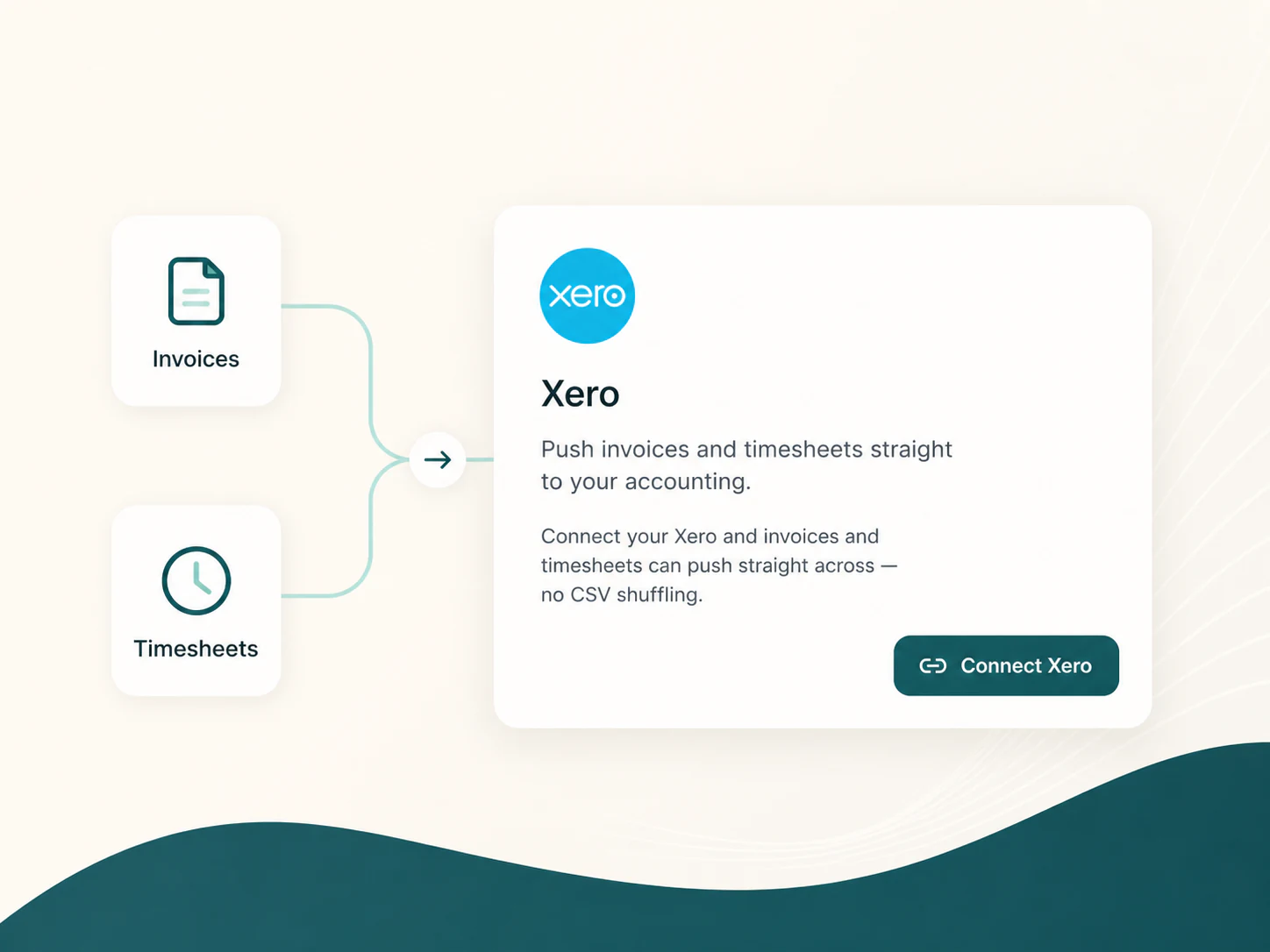
If you use Xero, unsent invoices can be pushed across as drafts. That gives you a chance to check them in Xero before they go out to participants or plan managers. Xero sits alongside the claim file process, not instead of it. The claim file is specifically for NDIA-managed work heading to PRODA, while Xero is more about your general invoicing and financial records.
What about self-managed or plan-managed participants?
The claim file is built for NDIA-managed work uploaded to PRODA. For self-managed or plan-managed participants, your invoices from the price book still apply, but they follow whatever process you already have with the participant or their plan manager, rather than the PRODA claim file step.
A simple way to picture the flow
Price book sets the rates. Approved shifts become invoices. Invoices for NDIA-managed work become a claim file. You take that claim file and upload it to PRODA yourself. Each step hands off to the next, but the actual claiming with the NDIA is always your action, done in your own PRODA account.
If you are working through your price book setup or want to understand how a specific invoice or claim file was put together, Cody inside the app can point you to the relevant help articles. For anything about how the NDIA assesses or pays claims, that is general information rather than NDIS advice, so it is worth checking directly with the NDIA, your Plan Manager or your Support Coordinator for anything specific to a participant's plan.
This article is general information only and is not financial, NDIS or compliance advice. NDIS pricing and claiming requirements can change, so check the current NDIA pricing arrangements and provider guidance before relying on it.