
How-to
NDIS Provider Software With PRODA Claim Files: What That Actually Means
Looking for NDIS provider software that makes PRODA claim files? Here is what a claim file is, how Sparks Provider builds one, and what still needs you.

Kim MatthewsFounder and disability support provider
If you have typed this exact phrase into Google, you are probably knee-deep in invoicing and wondering whether any software can take PRODA out of your evening. Short answer: a claim file generator saves you the manual data entry, but nothing legally submits claims on your behalf without you logging in and uploading it yourself. That is not a Sparks Provider limitation, it is how PRODA works for every provider.
What a claim file actually is
For NDIA-managed participants, you cannot just email an invoice and get paid. The claim needs to go through PRODA in a specific bulk upload format, matching support items, dates and amounts to what was actually delivered and approved. Building that file by hand from a spreadsheet of shifts is slow and easy to get wrong, especially when you are juggling rosters for twenty or thirty clients.
How Sparks Provider builds yours
In Sparks Provider, shifts get recorded against each participant, priced using your business's own price book, then reviewed and approved before anything is finalised. Once approved hours for NDIA-managed work are ready, the app generates a claim file in the format PRODA accepts. You download it, log into PRODA with your own credentials, and upload it there. The work of matching shifts to support items and totalling amounts is already done, so the PRODA step becomes a short upload rather than a rebuild.
For example, a small provider running shifts for twelve participants across a fortnight might have forty or fifty individual line items to claim. Instead of re-typing each one into a PRODA template, the approved shifts from the roster already carry the right support item, date and amount, so the claim file reflects what actually happened that fortnight.
What it does not do
Sparks Provider does not sign into PRODA for you and it does not submit claims automatically. PRODA access, credentials and the final upload remain yours. The app also does not interpret NDIS funding rules, decide what is claimable, or give financial advice. If you are unsure whether a particular support is claimable for a specific plan, that question goes to the NDIA, the participant's Plan Manager or their Support Coordinator, not to any software.
Where this fits with invoicing and Xero
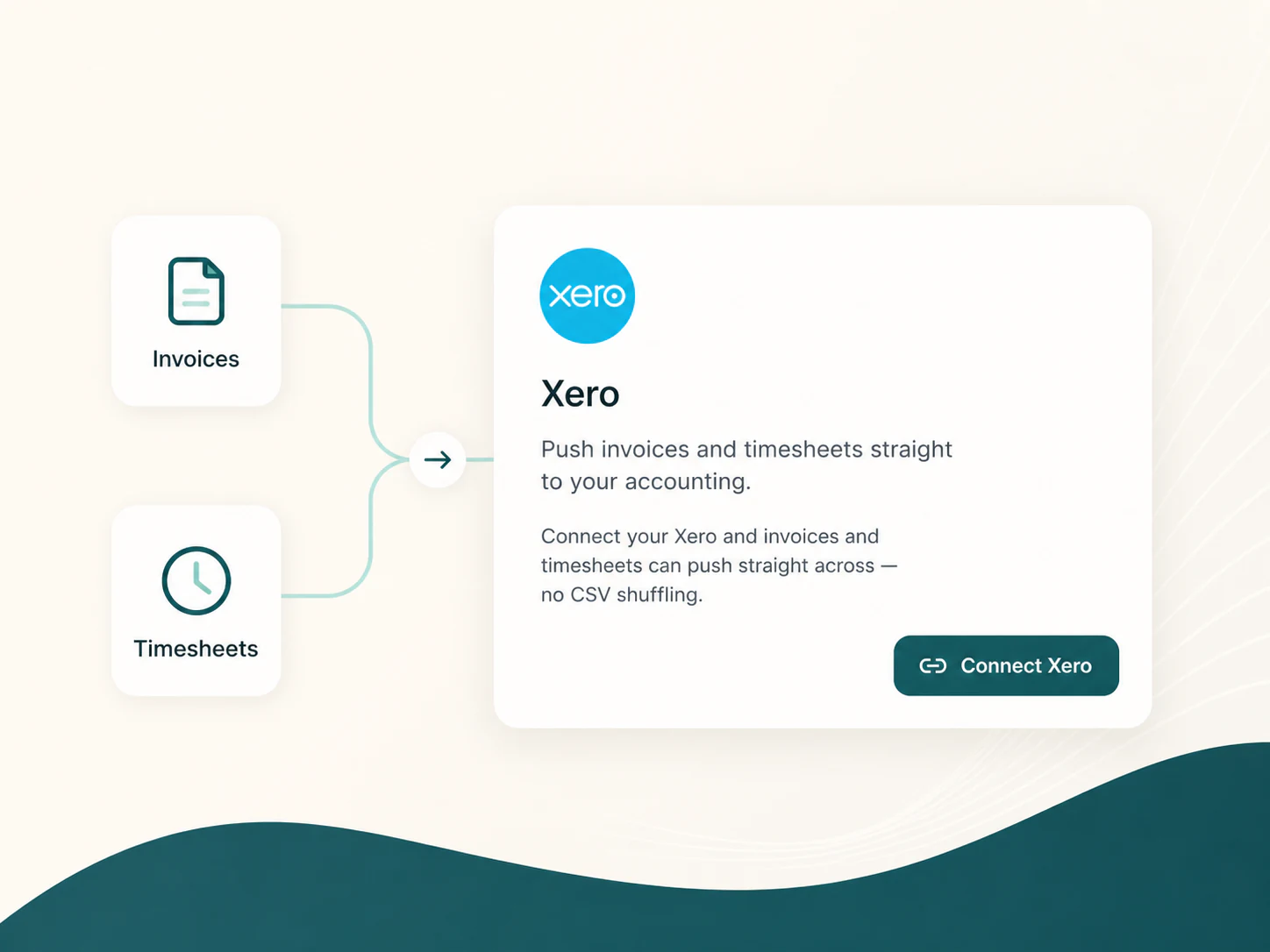
Claim files are one half of getting paid. For plan-managed or self-managed work, Sparks Provider turns approved shifts into invoices priced from your price book, and unsent invoices can be pushed to Xero as drafts for checking before they go out. Approved timesheets can also be sent to Xero payroll as draft timesheets. Sparks Provider does not calculate wages or interpret awards, it hands Xero the approved hours so your payroll process still has a human check in it.
Choosing between providers
We make Sparks Provider, so take this with that in mind rather than as independent reviewing. If you are comparing options, the honest question to ask any provider is specific: does the software build a claim file in the PRODA upload format from approved shift data, or does it just export a generic invoice list you still have to reformat? If you are weighing Sparks Provider against ShiftCare specifically, we have laid out a transparent, criteria-based comparison at sparksprovider.app/compare/shiftcare rather than listing features we have not verified ourselves.
Trying it with your own roster
Sparks Provider runs a 7-day free trial with no card needed, so you can load a real fortnight of shifts, approve hours the way you normally would, and generate an actual claim file before deciding anything. The subscription is $499 for the year including GST, covering unlimited staff and unlimited clients for the whole business. If you are moving from ShiftCare, the built-in import brings across participants, staff invitations and up to seven years of shift history and progress notes, so you are not starting the claim file conversation from a blank roster.
Common questions
The details people ask next.
Does Sparks Provider submit claims to the NDIA automatically?
No. It builds the claim file in the format PRODA accepts. You log into PRODA yourself and upload it. Sparks Provider does not hold or use your PRODA login.
Can I generate a claim file for plan-managed participants too?
Claim files are built for NDIA-managed work, since that is what PRODA requires. Plan-managed and self-managed work is handled through standard invoices priced from your price book instead.
What if a support item in my claim looks wrong?
Check it against your business's price book and the participant's approved hours before uploading. Sparks Provider keeps records organised but does not decide what is claimable, so funding questions should go to the NDIA, the Plan Manager or the Support Coordinator.
Will this work if I am switching from ShiftCare partway through a claiming period?
The ShiftCare import brings across participants, staff invitations and shift history, and re-importing the same file will not duplicate people, so you can bring historical records across before building your next claim file.
This article is general information only and is not financial, NDIS or compliance advice. NDIS pricing and claiming requirements can change, so check the current NDIA pricing arrangements and provider guidance before relying on it.