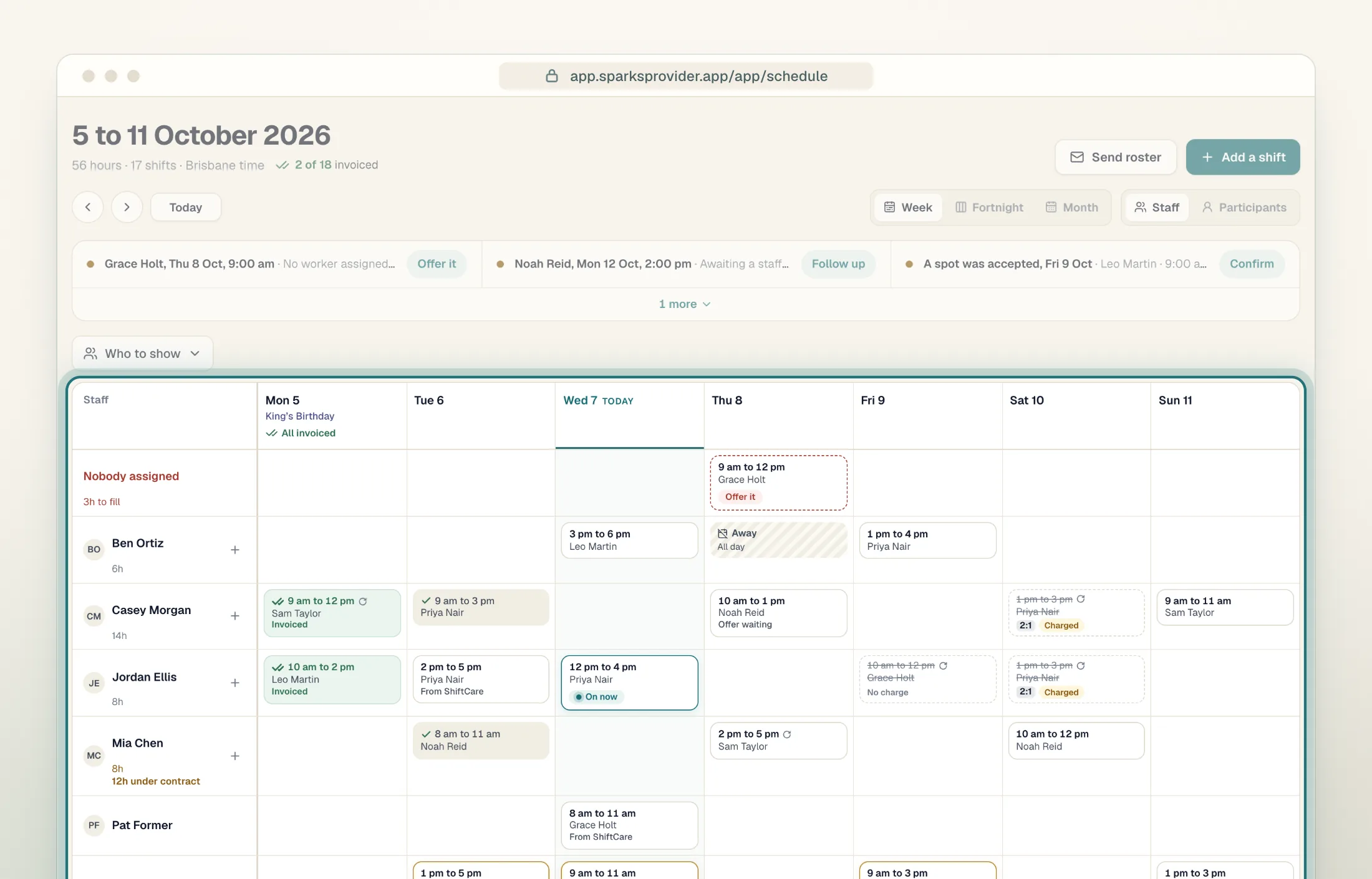
If you run a small NDIS support team, compare the cost of the whole roster. Sparks Provider brings shifts, worker notes, timesheets and invoices together for $499 a year, including GST.
7 days free · No card · Unlimited clients and workers
The whole-business plan
$499AUD per year
One subscription. Everyone on the roster.
When you add a workerAnnual plan
+ Worker 3$499
+ Worker 4$499
+ Worker 5$499
Illustrative roster · GST included · Optional SMS is separate
01 / The annual cost
What happens when your team grows?
Astalty publishes annual rates of $640 per standard user and $300 per worker, including GST. Here’s what those seats cost at three team sizes.
Illustrative annual subscription prices in Australian dollars including GST
Example team
Astalty Seats only
Sparks Provider Whole business
1 standard user + 2 workers
$1,240
$499
1 standard user + 4 workers
$1,840
$499
2 standard users + 8 workers
$3,680
$499
Annual AUD prices including GST, checked 9 November 2026. The Astalty column is based on published annual seat rates. Astalty scheduling requires Premium and the Scheduling add-on; ask Astalty for your configured total. These examples exclude add-ons and optional services. Sparks SMS is optional and separate.
02 / The fit
Start with the work you do every week.
Sparks Provider
You roster and deliver direct supports.
Choose Sparks if your week runs from the roster to worker notes, approved hours and billing. The worker app, Xero connection and NDIA claim files are part of that workflow.
Check your requirements first if you need dedicated SIL, support coordination, plan management or SCHADS Award interpretation.