
How-to
Connecting Xero to Sparks Provider: What Actually Happens, Step by Step
A practical walkthrough of connecting Xero to Sparks Provider, sending invoices and timesheets as drafts, and what happens if you ever need to disconnect.

Kim MatthewsFounder and disability support provider
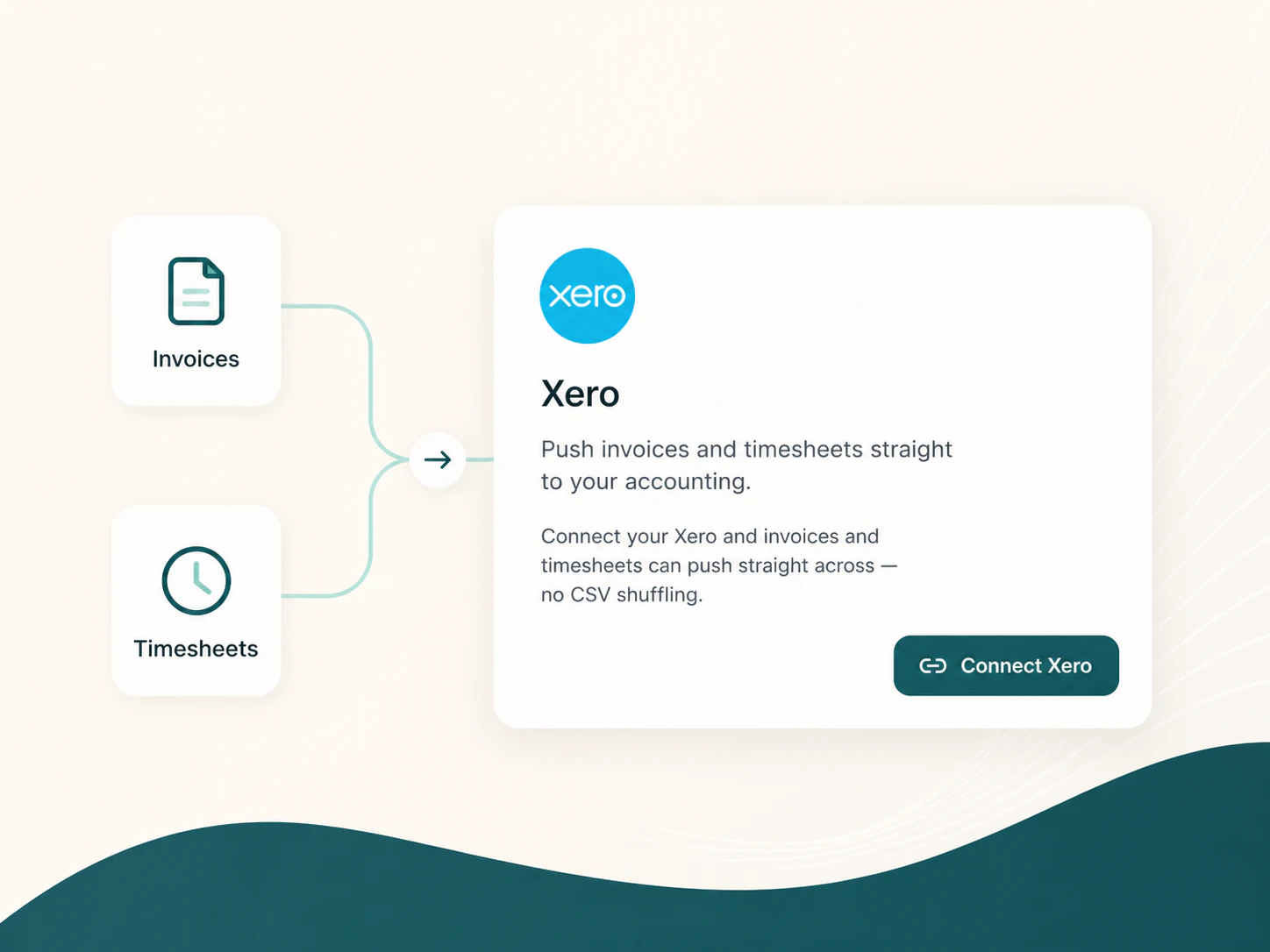
Connecting Xero to Sparks Provider is a one-time setup, not an ongoing task. Once it is done, sending work across becomes a button you press after you have already approved it, not a new job on top of your week.
What connecting actually does
Under Business, then Accounting software, then Xero, you choose Connect Xero and pick the Xero organisation that belongs to this business. That is the whole setup. Sparks Provider does not take over your Xero file or change how your books work. It simply gives you a path to send invoices and approved timesheets across instead of retyping them.
Sending invoices across
From Invoices, you can send one invoice, a selection, or every unsent invoice to Xero in a single action. They arrive as drafts. Nothing is finalised on the Xero side automatically. You or your bookkeeper still review each draft in Xero before approving or sending it to a client, which keeps a normal check in place even though the data entry step is gone.
Sending approved timesheets across
Timesheets work the same way, with a bit more detail underneath. From Timesheets, then Review and send to Xero, you can send the whole week of approved hours or tick particular staff first. In the browser, saved pay-item defaults for each staff member cover the different time bands, while travel and allowances use their own mappings. If one person's timesheet has a problem, Sparks Provider holds that one back and keeps sending the rest, rather than stopping the whole batch. Expenses are listed for manual reimbursement entry in Xero, since they are not earnings. After sending, a receipt shows new drafts, existing timesheets already sent, and anything that still needs attention.
A fictional example: changing bookkeepers mid-year
Picture a small, fictional, anonymous support provider that runs its roster and invoicing in Sparks Provider and has been sending approved timesheets to Xero every fortnight. Partway through the year, the owner changes bookkeeping firms, and the new bookkeeper wants everything running through a new Xero organisation. The owner goes to Business, then Accounting software, then Xero, and disconnects the old link. Nothing already sent is touched. Every invoice and timesheet that went across earlier stays exactly where it landed in the old Xero organisation. The owner then reconnects, selects the new Xero organisation, and future invoices and timesheets flow there instead. No historical sending needs to be redone.
When to disconnect, and what stays behind
Disconnecting is only needed when you are changing which Xero organisation is linked to the business, for example after switching accounting firms or restructuring how the business is set up in Xero. It is not a weekly or monthly action. Disconnecting does not remove any drafts you have already sent, so there is no risk of losing past work by unlinking the connection.
What Sparks Provider does not do
It is worth being clear about the edges here. Sparks Provider does not calculate wages, interpret awards, run payroll, or decide worker pay rates. It records and approves hours in your roster, then hands draft timesheets to Xero for your payroll process to take from there. Reviewing those drafts in Xero before anyone gets paid stays a human step, on purpose.
Practical takeaways
- Connect Xero once under Business, then Accounting software, then Xero, by selecting the correct organisation for this business
- Send invoices from Invoices, either one at a time, selected, or all unsent, and they land in Xero as drafts for review
- Send approved timesheets from Timesheets, then Review and send to Xero, for the whole week or chosen staff
- A problem with one person's timesheet does not block everyone else's from going across
- Disconnecting only matters when changing the linked Xero organisation, and it never removes drafts already sent
Common questions
The details people ask next.
Do I need to reconnect Xero every time I send invoices or timesheets?
No. The connection under Business, then Accounting software, then Xero, stays in place once set up. You only revisit it if you need to change the linked Xero organisation.
What happens in Xero to the invoices I send from Sparks Provider?
They arrive as drafts. You or your bookkeeper review and approve them in Xero before they go to a client, so nothing is finalised automatically.
If one staff member's timesheet has an issue, does that stop the rest of the team's timesheets from being sent?
No. Sparks Provider holds back the person-specific problem while continuing to send the rest of the approved timesheets.
Are expenses sent to Xero the same way as hours worked?
No. Expenses are listed for manual reimbursement entry in Xero rather than being sent across as earnings.
Does Sparks Provider calculate what each staff member should be paid?
No. Sparks Provider records and approves hours, then sends draft timesheets to Xero. Wage calculations, award interpretation and payroll decisions happen on the Xero and payroll side.
This article is general information about provider operations and Sparks Provider. It is not legal, financial, employment, NDIS or compliance advice. Check current requirements with the relevant authority or an adviser for your business.