
How-to
NDIS Provider Software With Xero Integration: What Sparks Provider Actually Sends Across
Looking for NDIS provider software with Xero integration? Here is exactly what Sparks Provider pushes to Xero, what it does not do, and what it costs.

Kim MatthewsFounder and disability support provider
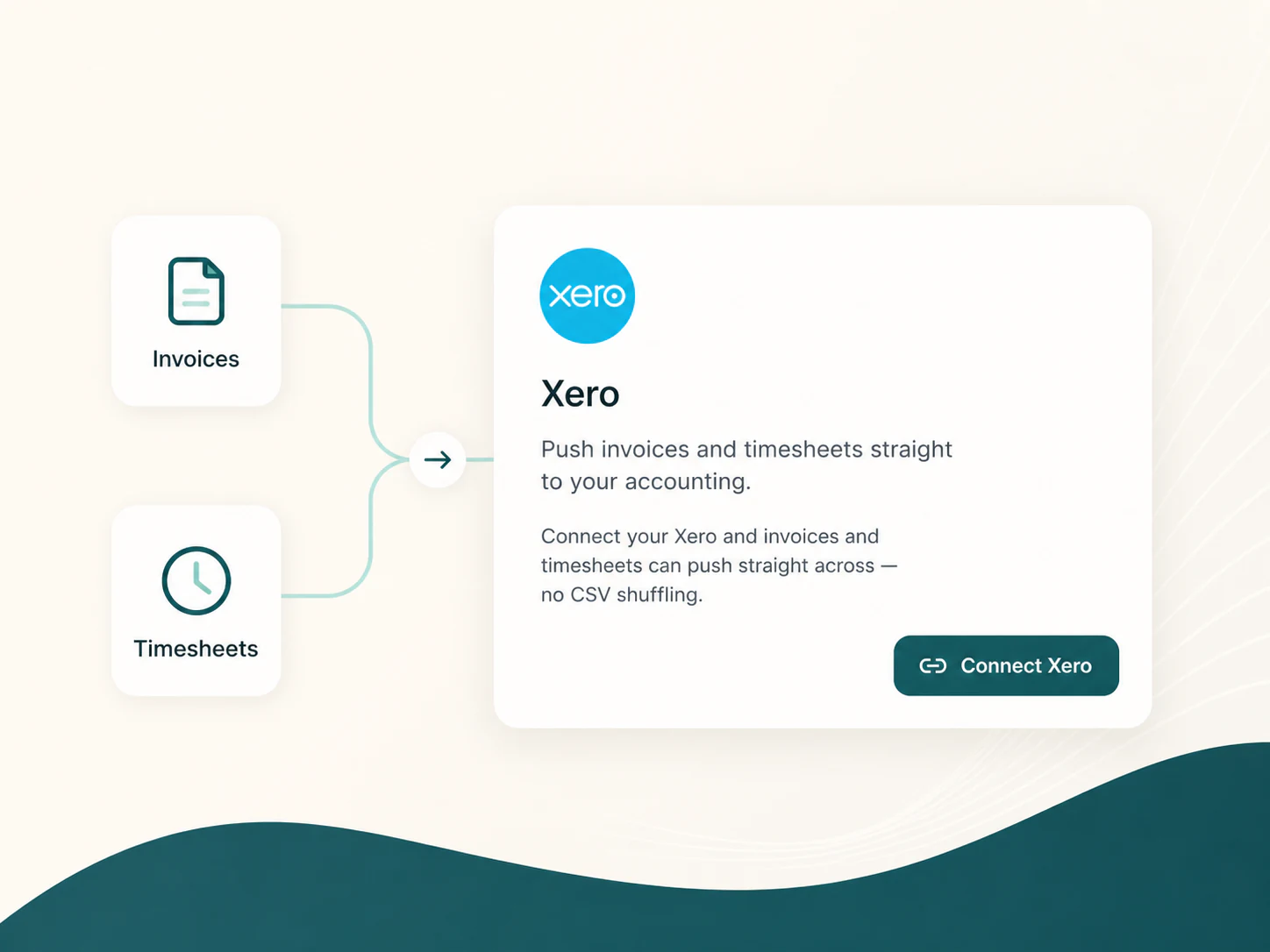
If you are searching for NDIS provider software with Xero integration, here is the short version: Sparks Provider keeps your roster, approved hours and invoicing in one place, then hands the finished work to Xero as drafts you check before anything goes out or gets paid. It does not try to become an accounting system or a payroll calculator. That job stays with Xero, on purpose.
What the Xero integration actually covers
Two things move from Sparks Provider to Xero. First, unsent invoices, generated from your business's own price book once shifts are approved, can be pushed to Xero as drafts. Second, approved timesheets can be sent to Xero payroll as draft timesheets for checking. Nothing is sent automatically without your review, and nothing is sent unless you push it.
How a shift turns into an invoice
- A shift is rostered, either one-off or repeating, including 2:1 supports, group sessions, sleepovers or public holiday work
- The support worker records their hours and any shift notes from their own account
- An owner or admin reviews the week and approves the hours
- The approved work is priced from your business's price book, which you control based on current NDIS support items
- The resulting invoice can be pushed to Xero as a draft, ready for you to send
How approved hours reach payroll
Once hours are approved, they can be sent to Xero payroll as draft timesheets. That word draft matters. Sparks Provider does not calculate wages, interpret awards, or decide pay rates. It records what was worked and approved, then hands that record to Xero so your existing payroll process can check and process it the way it always has.
What it deliberately does not do
- It does not sign into PRODA or submit NDIA claims on your behalf. It builds a claim file you upload yourself
- It does not calculate award rates or run payroll
- It does not hold or manage participant funds and is not plan management
- It has no recruitment or worker-matching tools
- It never claims to make your business compliant. You remain responsible for your own obligations
What it costs and how to try it
Sparks Provider is $499 a year including GST, for the whole business, with unlimited staff and unlimited clients. There is a 7-day free trial and no card is needed to start. If you are comparing it against ShiftCare, our comparison page sets out what each does at https://sparksprovider.app/compare/shiftcare. If you want to work out roughly what a year would look like for your business, the calculator is at https://sparksprovider.app/calculator.
Switching without starting from zero
If you are already running your roster somewhere else, a built-in ShiftCare import brings across participants, staff invitations and up to seven years of shift history and progress notes. Re-importing the same file will not duplicate people, so you can run it again if you need to. Sole traders who have grown into a small team can also move across from Sparks Scribe.
Getting the Xero connection set up
An owner can go to Business, then Subscription, to manage the business's own subscription and payment details. From there, connecting Xero is part of getting your invoicing and payroll workflow ready before you approve your first week of hours.
Common questions
The details people ask next.
Do I still need my own Xero subscription?
Sparks Provider pushes draft invoices and draft timesheets into Xero, so you are connecting it to your existing Xero account rather than replacing it.
Does Xero integration cost extra on top of the $499?
No. Xero integration is included in the $499 a year subscription, which covers the whole business with unlimited staff and clients.
Can Sparks Provider submit my NDIA claims automatically?
No. It creates a claim file for NDIA-managed work that you upload to PRODA yourself. It does not sign into PRODA or submit claims on your behalf.
What if I do not use Xero for payroll yet?
You can still roster shifts, approve hours and generate invoices from your price book without pushing anything to Xero. The Xero step is there when you are ready to use it.
This article is general information only and is not legal, employment, payroll or award advice. Check current requirements with the Fair Work Ombudsman (fairwork.gov.au) or an adviser for your business.