
How-to
The Weekly Rhythm: Running Sparks Provider's Core Features as One Routine
A practical look at how a small NDIS provider team can use Sparks Provider's roster, shift notes, approvals and invoicing as one weekly routine.

Kim MatthewsFounder and disability support provider
If you are asking what the Sparks Provider essentials actually are, the honest answer is that they are not separate tools. They are one weekly loop: roster, shift notes, approved hours, invoices, claim file, Xero. Most of the friction smaller providers feel comes from treating these as disconnected admin jobs instead of one sequence that repeats every week.
This matters more for an owner or admin running a small team than for a solo worker, because you are coordinating other people's time, not just your own. Here is how the essentials fit together across a typical week, and where each one hands off to the next.
Monday: build the week's roster
The week starts in the roster. Sparks Provider lets you plan one-off and repeating shifts, including unassigned shifts you have not staffed yet, 2:1 and 3:1 supports, group sessions, sleepovers, active overnights, public holidays and chargeable cancellations. Getting this set early gives staff time to check their week before it starts.
- Repeating shifts save you rebuilding the same roster lines every week
- Unassigned shifts stay visible until someone is allocated, instead of disappearing from view
- Group sessions and 2:1 or 3:1 supports are planned as the actual support, not forced into single-worker shift slots
Tuesday to Friday: shift notes and sign-in times
Staff are invited to their own account, where they see only their own shifts and the client details relevant to those shifts. As the week runs, they record availability, add shift notes or incident reports, and sign in and out of each shift, which records their times. None of this depends on the admin chasing people on Friday afternoon.
- Shift notes are attached to the shift they belong to, not a separate spreadsheet
- Signed in and out times sit ready for review rather than arriving as a verbal tally at week's end
- Staff only see what is relevant to their own shifts, not the whole participant list
Friday: approve the week before anything else moves
Approval is the hinge point. Owners and admins review the hours for the week and approve them before invoicing or sending timesheets onward. Nothing downstream, neither the invoice nor the Xero draft, happens on unapproved hours. This is the one step worth protecting from being rushed.
- Review hours against the roster you built on Monday, not from memory
- Query anything that looks off before approving, not after an invoice has already gone out
- Treat approval as the single checkpoint for the whole week, not a formality
Turning approved hours into invoices and claim files
Once hours are approved, Sparks Provider prices the approved work from your business's own price book, which is based on current NDIS support items and only includes the items you choose to use. For NDIA-managed work, the system creates a claim file that can be uploaded to PRODA. It does not log into PRODA or submit the claim for you, that step stays with your business.
Sending the week to Xero
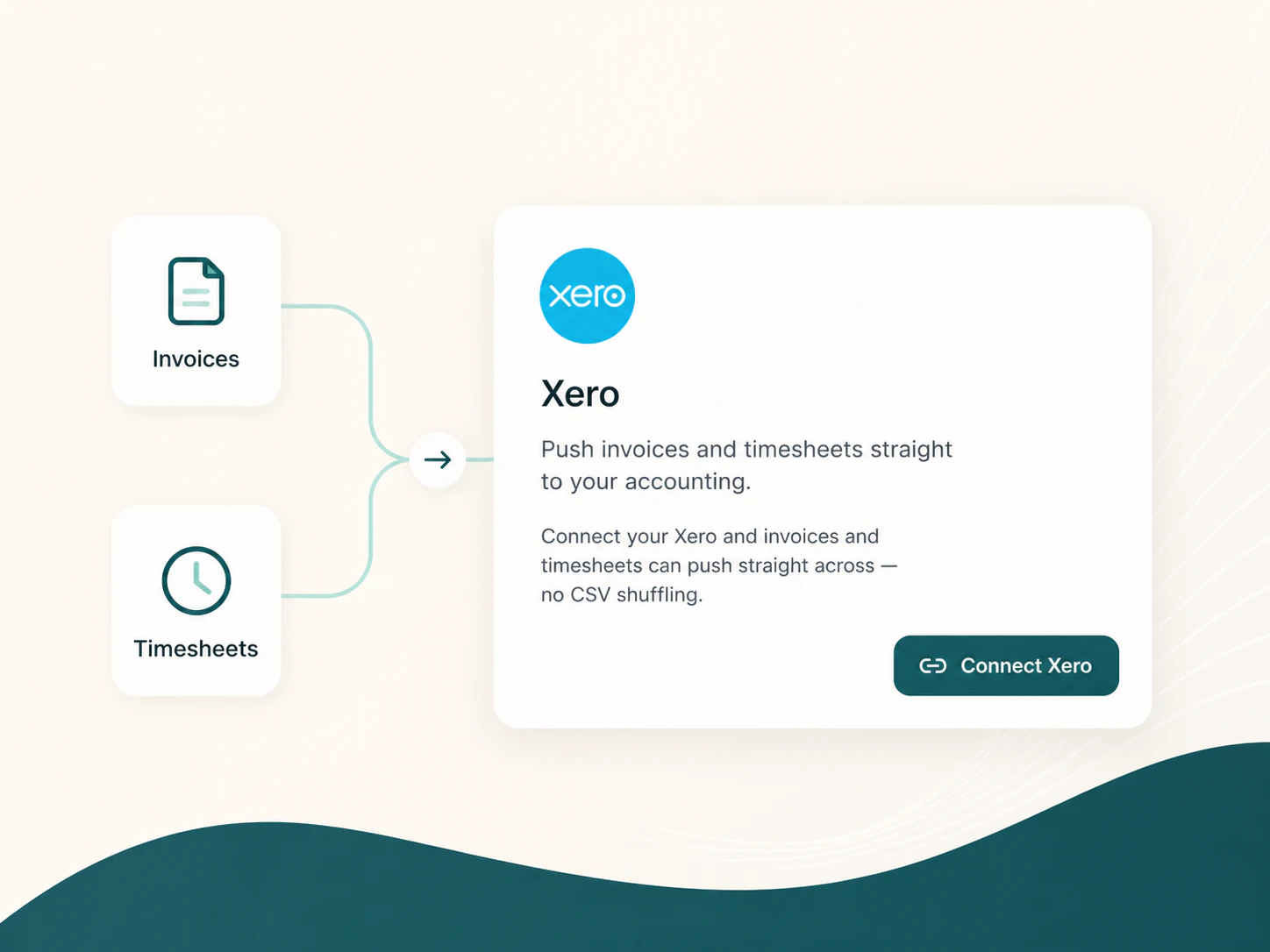
Xero integration is included in the subscription. Unsent invoices can be pushed to Xero as drafts, and approved timesheets can be sent to Xero payroll as draft timesheets for checking. Sparks Provider does not calculate wages, interpret awards or set pay rates. It hands over the approved hours as drafts, and payroll decisions stay in Xero and with your business.
A fictional week, to show the shape of it
Picture a fictional, anonymous six-person support team. On Monday the admin builds the roster, including one group session and a 2:1 shift for a higher-support client. Through the week, support workers log shift notes from their phones after each visit. Friday morning, the admin opens the week, checks the signed in and out times against the roster, queries one shift where the note and the time did not match, then approves the rest. By Friday afternoon, invoices are priced from the price book, the PRODA claim file is ready to upload, and draft timesheets are sitting in Xero for the bookkeeper to check. No part of this story is a real business, it is only there to show how the pieces sit together.
Where the essentials stop
It is worth being clear about the edges too. Sparks Provider does not hold or manage participant funds and is not plan management. It has no recruitment or worker matching tools. And using it does not make a provider compliant on its own, it keeps operational records organised while the obligations stay with the business. Knowing those boundaries early saves confusion later.
Common questions
The details people ask next.
Do I need to use every feature from day one?
No. Most small teams start with the roster and staff shifts, then add price books, invoicing and the Xero draft handoff once the weekly rhythm feels steady.
Can staff see other participants outside their own shifts?
No. Staff accounts show only their own shifts and the client details needed for those shifts, not the full participant list.
How much does Sparks Provider cost for a small team?
It is $499 for the year including GST, covering unlimited staff and clients for the business, with a 7 day free trial and no card required to start. You can estimate your situation at sparksprovider.app/calculator.
Does Sparks Provider submit our NDIS claims for us?
It creates a claim file for NDIA managed work that you upload to PRODA yourself. It does not sign into PRODA or submit on your behalf. This is general information, not financial or NDIS advice.
This is general information, not financial or NDIS advice. NDIS pricing and claiming requirements can change, so check the current NDIA pricing arrangements and provider guidance before relying on it.