
Rostering
NDIS rostering software for small providers
Sparks Provider is an NDIS rostering system for small Australian providers: you roster staff and participants by week, fortnight or month, repeat shifts, book groups, and email each client their own roster, for $499 a year including GST for the whole business with unlimited workers and clients.
7 days. No card needed. $499 a year including GST if you stay.
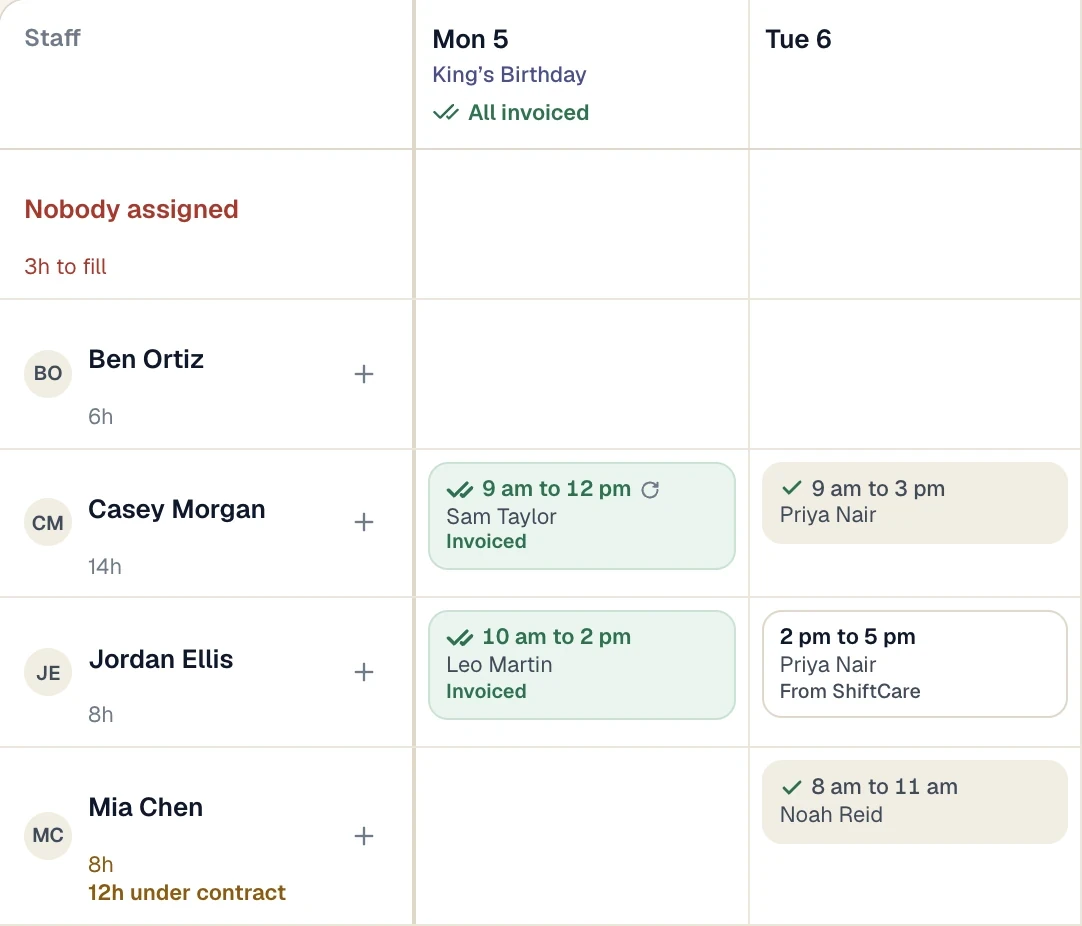
Real screen · demo information
How it works
Plan the week, send each client their roster, and let workers see their shifts on their phone.
Add a shift.
On Schedule, tap an empty square or Add a shift. Pick the participant, the worker, the day and the times. Add a second worker or more participants on the same screen for a 2:1 or a group.
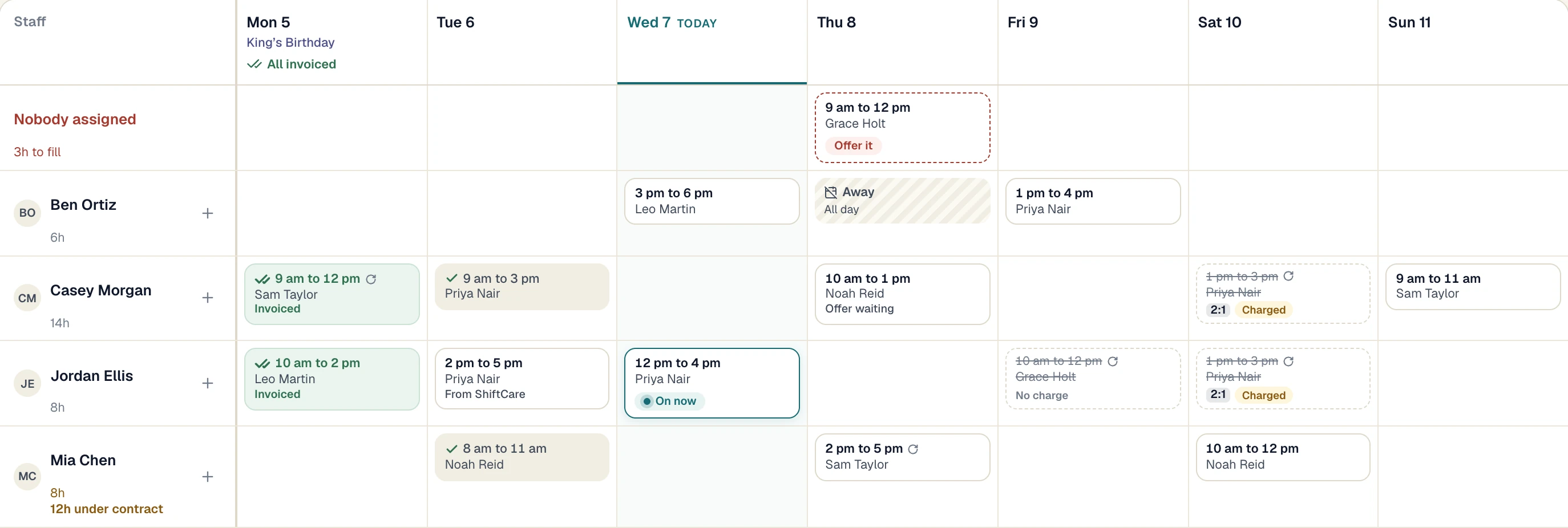
Make it repeat.
Open Repeat and choose every day, week, fortnight or month, and when it ends. Sparks Provider stops to ask about any clash before it books the series. Change one shift later, or that shift and all going forward.
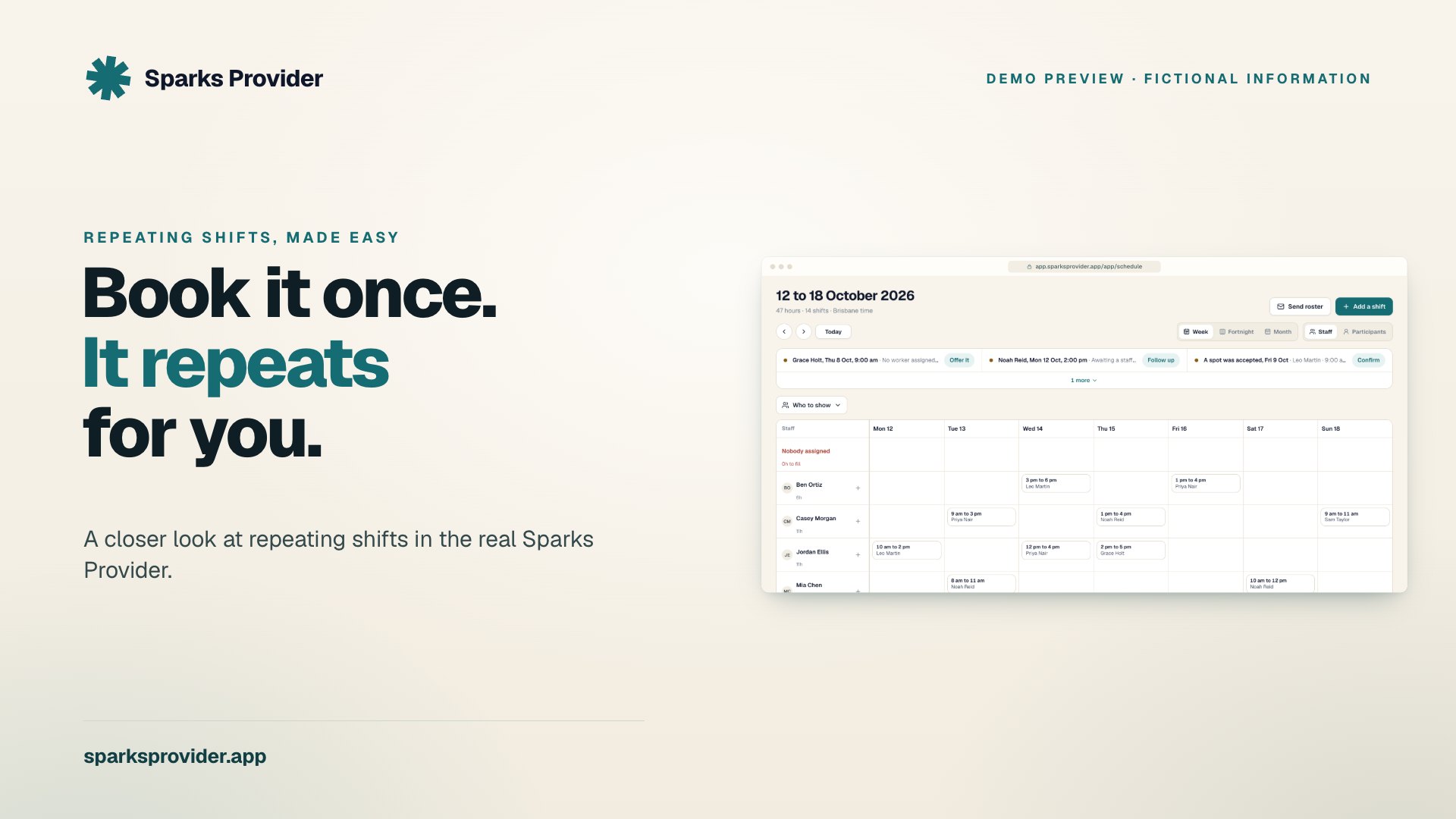
See what needs you.
The roster shows staff or participants down the side. A shift with nobody on it says Offer it. Offer it to an available worker and they accept or decline.
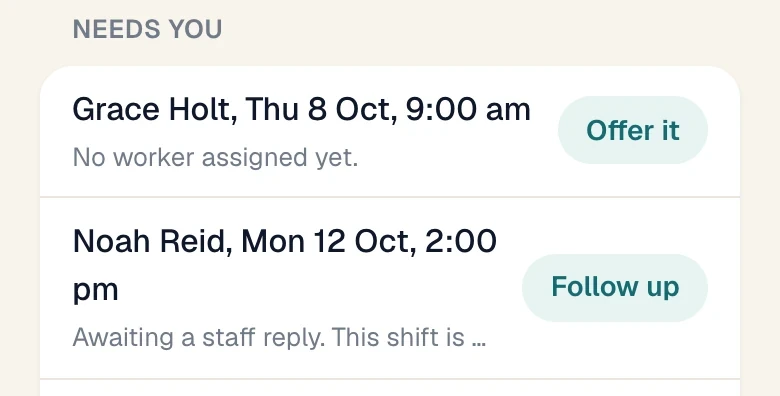
Send each client their roster.
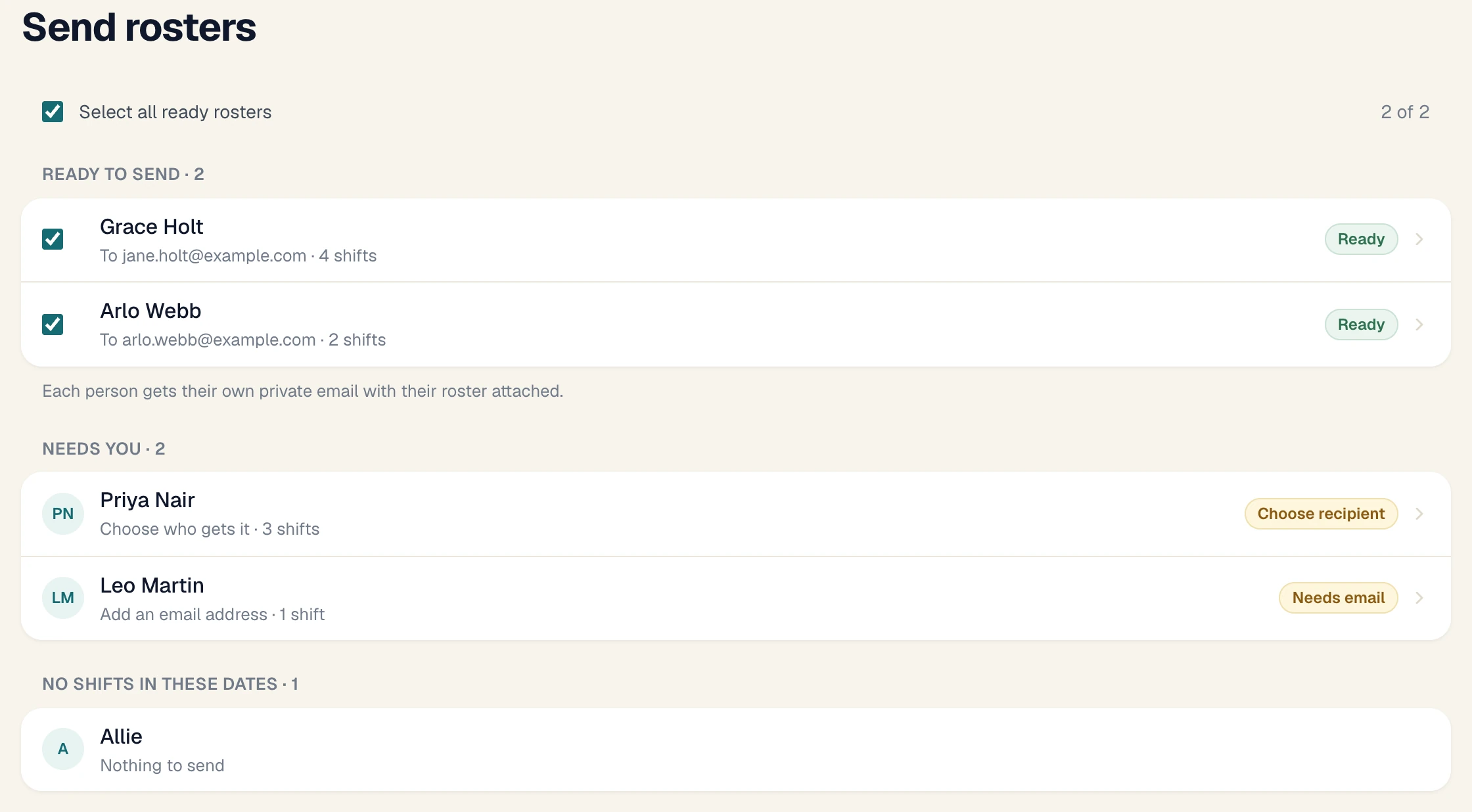
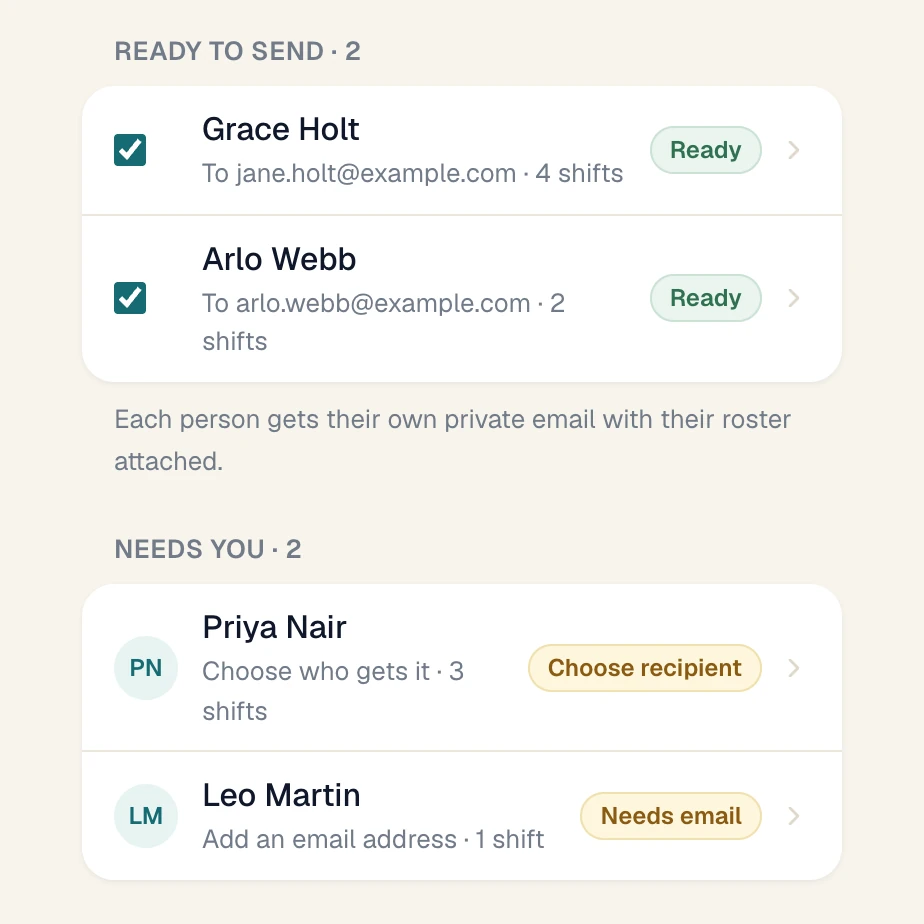
Send rosters lists who is ready. Preview the email, add a note if you like, and send them together. Each client gets their own email with their roster attached as a PDF.
Workers open their own shifts.
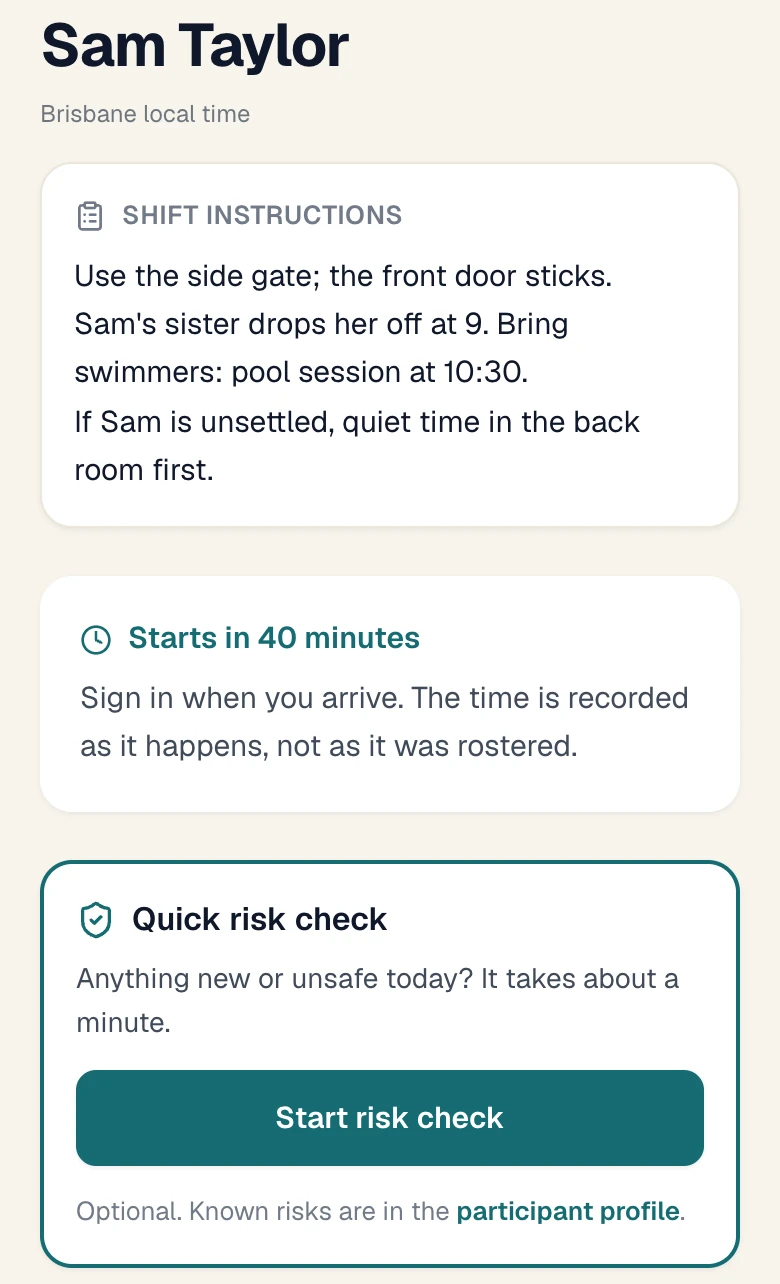
Each worker signs in to their own account on the iPhone, iPad or Android app, or a phone browser, and sees their roster, the shift's instructions and tasks.
Real screens · demo information
In the $499
What's included
- Week, fortnight and month views, by staff or by participant.
- Repeating shifts: daily, weekly, fortnightly or monthly, on more than one weekday.
- Clash checks when you book, and each worker's own unavailability.
- Group bookings and extra workers on one shift.
- Shift offers that a worker accepts or declines.
- Client rosters by email or PDF, one at a time or all together.
- Client reminders by email. SMS reminders are an optional credit pack.
- Public holidays for your state or territory, named on the roster.
- Service locations in different states, each booked in its own local time.
- Staff you have not invited yet can be rostered first.
- Unlimited workers and clients on the one subscription.
Left out
What it doesn't do
- It is not free. There is a 7-day free trial with no card, then $499 a year.
- No matching. It does not pick or suggest a worker for a participant. You choose who works each shift.
- No GPS check-in. Workers sign in and out with a tap. Their location is not recorded.
- No award interpretation or pay rates. The roster shows hours, not wages. Xero does pay.
What is NDIS rostering software?
Software that books support shifts for participants and staff, shows who is working when, and carries those shifts through to notes, timesheets and invoices. In Sparks Provider the same shift is the roster entry, the worker's note, the approved hours and the invoice line.
Is there free NDIS rostering software?
Sparks Provider is not free. You can try all of it for 7 days without entering a card, and nothing is charged when the trial ends. To keep it, it is $499 a year including GST for the whole business.
Does the price go up when I add workers or clients?
No. One subscription covers the business, with unlimited workers and clients.
Can I send a client their roster?
Yes. Choose the dates and who receives it, preview the email, and send it or download the PDF. Send rosters does every ready client in one go.
Can I roster the same shift every week?
Yes. Set a shift to repeat daily, weekly, fortnightly or monthly. When you change one later, you choose just that shift or that shift and all going forward.
What do workers see?
Their own roster, each shift's instructions and tasks, and their timesheets. They do not see your business settings or invoicing.
Can I roster across more than one state?
Yes. Add each service location with its timezone. A Sydney shift is entered in Sydney time even if your office is in Queensland.
Keep reading
Prices, comparisons and guides
Sparks Provider. Small on purpose.
See it with your own week.
Start your free trial7 days. No card needed. $499 a year including GST if you stay.
This is general information, not financial or NDIS advice.