
Invoices and claims
NDIS invoicing software, with the NDIA bulk claim file
Sparks Provider is NDIS invoicing software for small Australian providers: approved shifts become invoices priced from the NDIS price guide, which you email, send to Xero as drafts, or claim with an NDIA bulk claim file that you upload yourself, for $499 a year including GST for the whole business.
7 days. No card needed. $499 a year including GST if you stay.
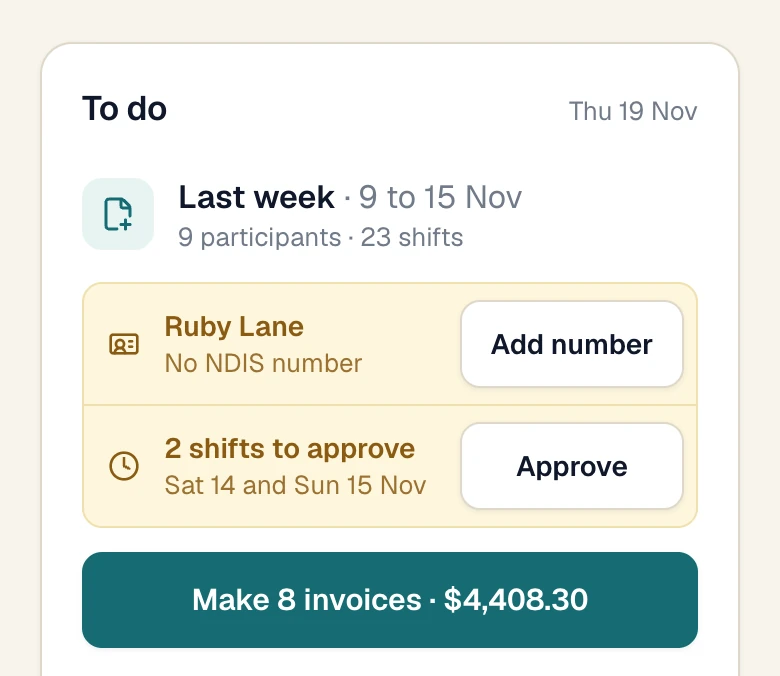
Real screen · demo information
PRODA and PACE
Does Sparks Provider submit NDIS claims through PRODA or PACE?
No. It prepares the NDIA bulk claim file from your invoices for NDIA-managed participants. You download the file, sign in with your own PRODA account and upload it. Sparks Provider does not connect to PRODA or PACE, does not hold your PRODA login, and does not send a claim for you.
- What it does
- builds the file in the NDIA's bulk upload columns, picks up only invoices that have not been in a file yet, and names any invoice it had to hold back and why.
- What it does not do
- submit the claim, tell you whether the NDIA paid it, or decide what is claimable.
How it works
Approved shifts become invoices without retyping. Email them, send them to Xero, or download the claim file for PRODA.
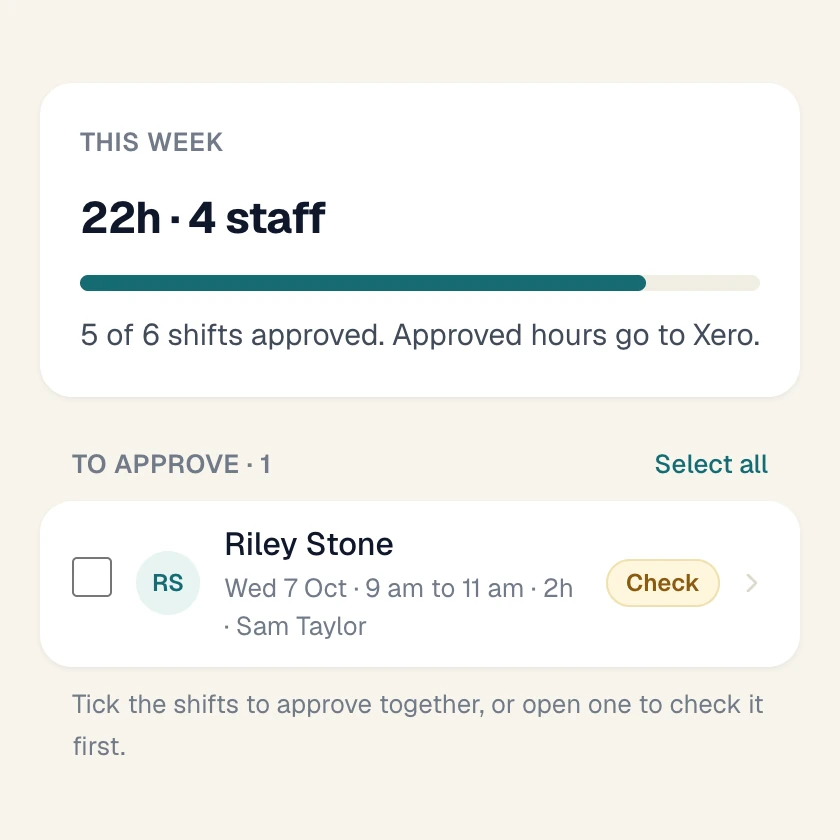
Approve the shifts.
Only approved work is invoiced. Each shift already carries the participant's pricebook, so the right weekday, evening, weekend or public holiday line is chosen from the shift's day and time.
Make the invoices.
Invoices shows last week's approved work, with anything to fix first. Check who you are invoicing, then make them all together.
Send them.
Choose Xero or email. Xero gets drafts. Email goes to the billing email on each participant's record, with the PDF.
Claim NDIA-managed work.
Download the PRODA file and upload it yourself in PRODA. Upload it as it is: opening and saving it in Excel changes its dates and hours.
Find any invoice later.
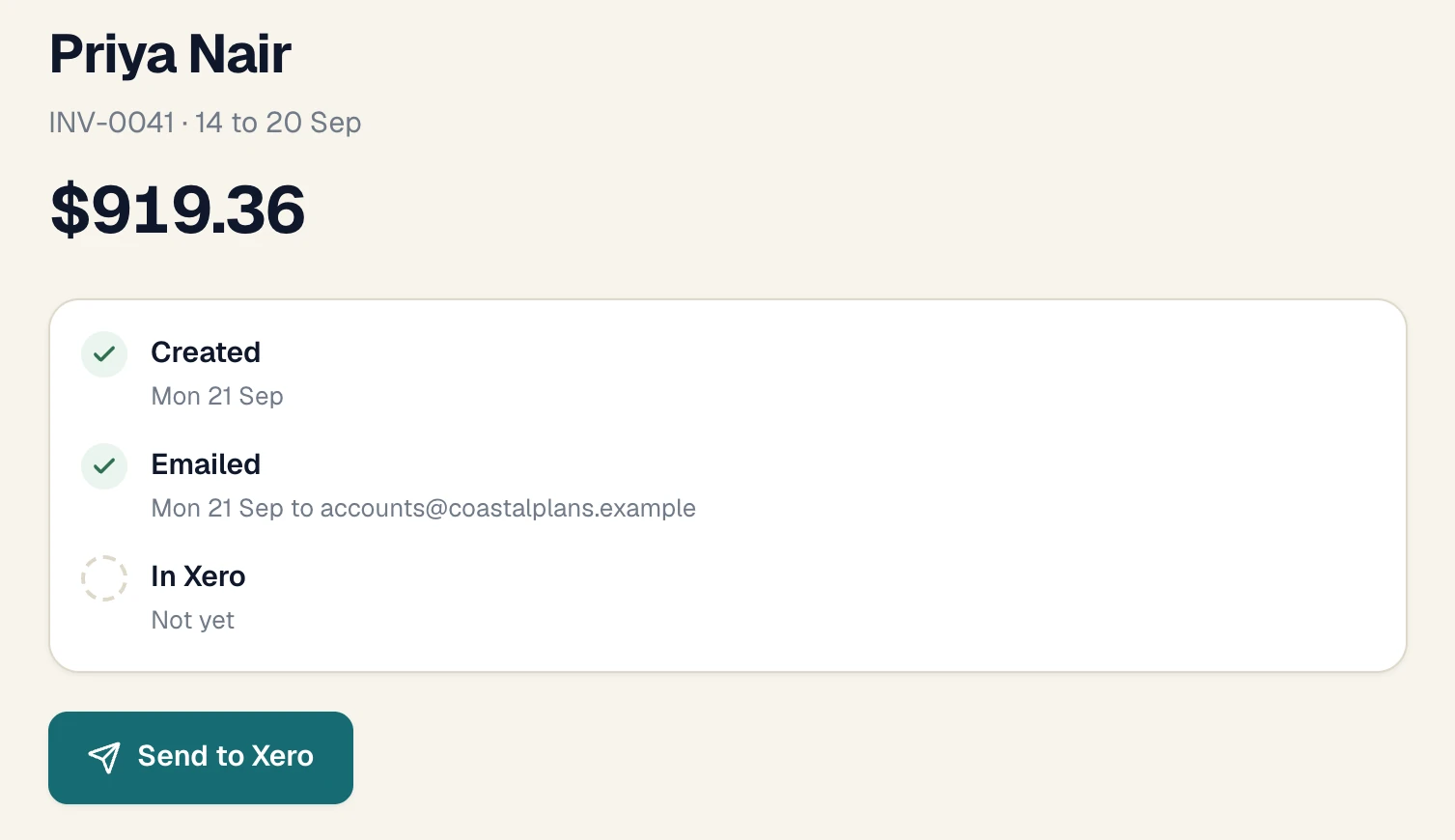
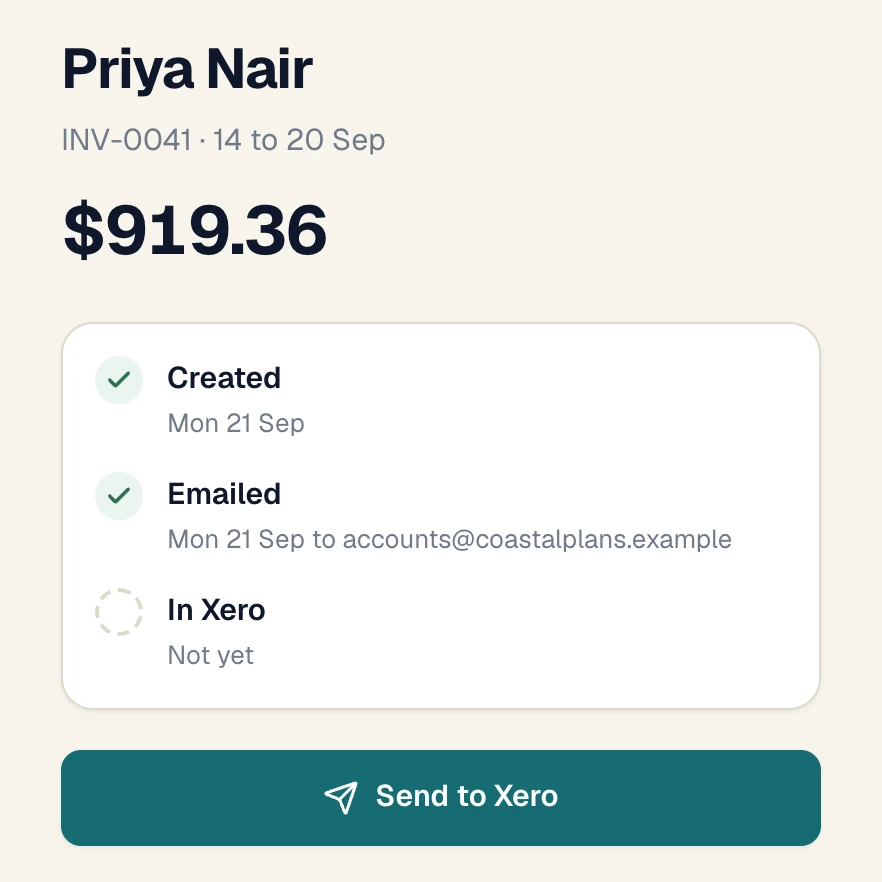
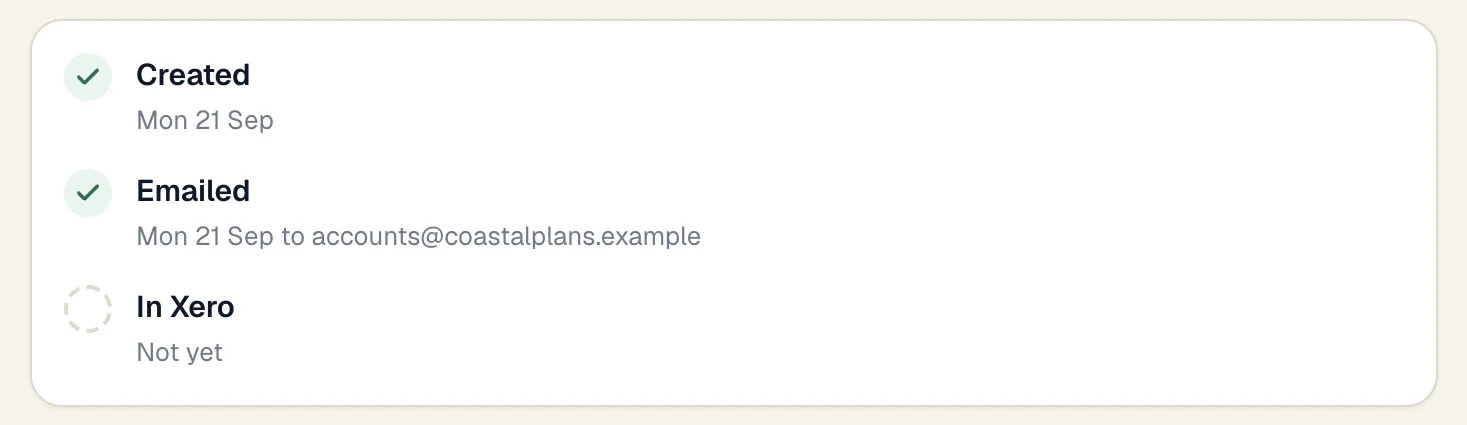
Each invoice shows Created, Emailed and In Xero, and which PRODA file it went in. Search by participant, invoice number or dates.
Real screens · demo information
In the $499
What's included
- The 2026-27 NDIS price guide, with ready-made pricebooks to start from.
- Your own prices and your own line items where you need them.
- National, remote and very remote rates.
- Invoices for plan-managed, self-managed and NDIA-managed participants.
- Extra charges on an invoice, such as a weekly or monthly item.
- A PDF of every invoice, with your GST status, payment terms and bank details.
- Email from Sparks Provider, or drafts to Xero. Files for MYOB and QuickBooks.
- The NDIA bulk claim file for NDIA-managed work.
- Invoice tracking: where each invoice went and when.
- Corrections with a reason, and voiding that sends the shifts back to invoicing.
- A guard against billing the same shift twice.
Left out
What it doesn't do
- It does not submit claims. You upload the claim file in PRODA yourself.
- It does not track payments. It shows where an invoice was sent, not whether it was paid. Payment status lives in Xero or your bank.
- It does not take or move money. No card payments and no plan funds.
- It does not decide what is claimable. That is a question for the NDIA, the plan manager or the support coordinator.
Which software submits NDIS claims through PRODA and PACE?
Sparks Provider does not. It prepares the NDIA bulk claim file for you to upload with your own PRODA account. It has no connection to PRODA or PACE. If you need software that sends claims to the NDIA directly, ask each vendor exactly how the claim gets there.
What is NDIS invoicing software?
Software that turns delivered supports into invoices with the right NDIS support item and price, and sends each one the right way for how the participant's plan is managed.
Does it use the NDIS price guide?
Yes. A new business starts with the current guide and ready-made pricebooks. You can change a price, add a line from the guide, or add your own item. Each July you replace the guide with the new file.
How do I track an NDIS invoice?
Open it. It shows when it was created, when and where it was emailed, whether it is in Xero, and which PRODA file it went in. Find an invoice searches by participant, number or service dates.
Can I invoice plan-managed and self-managed participants?
Yes. Those invoices are emailed to the billing email on the participant's record, or sent to Xero as drafts. NDIA-managed invoices are never emailed. They are claimed with the PRODA file.
Do I need Xero to invoice?
No. You can email invoices from Sparks Provider and download the PDFs. Xero is included if you use it.
What if an invoice is wrong?
Correct an eligible invoice with a reason and the earlier version is kept in its history. Or void it, and its shifts are ready to invoice again.
Keep reading
Prices, comparisons and guides
Sparks Provider. Small on purpose.
See it with your own week.
Start your free trial7 days. No card needed. $499 a year including GST if you stay.
This is general information, not financial or NDIS advice.